The endurance coach problem
Your athletes run in Strava, lift in another app, and send you screenshots in chat. You become the glue. Coach mode reduces that friction: the athlete logs (or syncs) and you see the block without rebuilding it by hand.
App for coaches
You invite, assign the work, and see the endurance block — plus strength if they lift — on Sunday. The athlete logs gym and Strava; you stop pasting screenshots.
The essentials
Who trained and who skipped the block this week
Athlete Strava + strength on the same screen
Sunday check-in without Excel or screenshots
From the log to the check-in
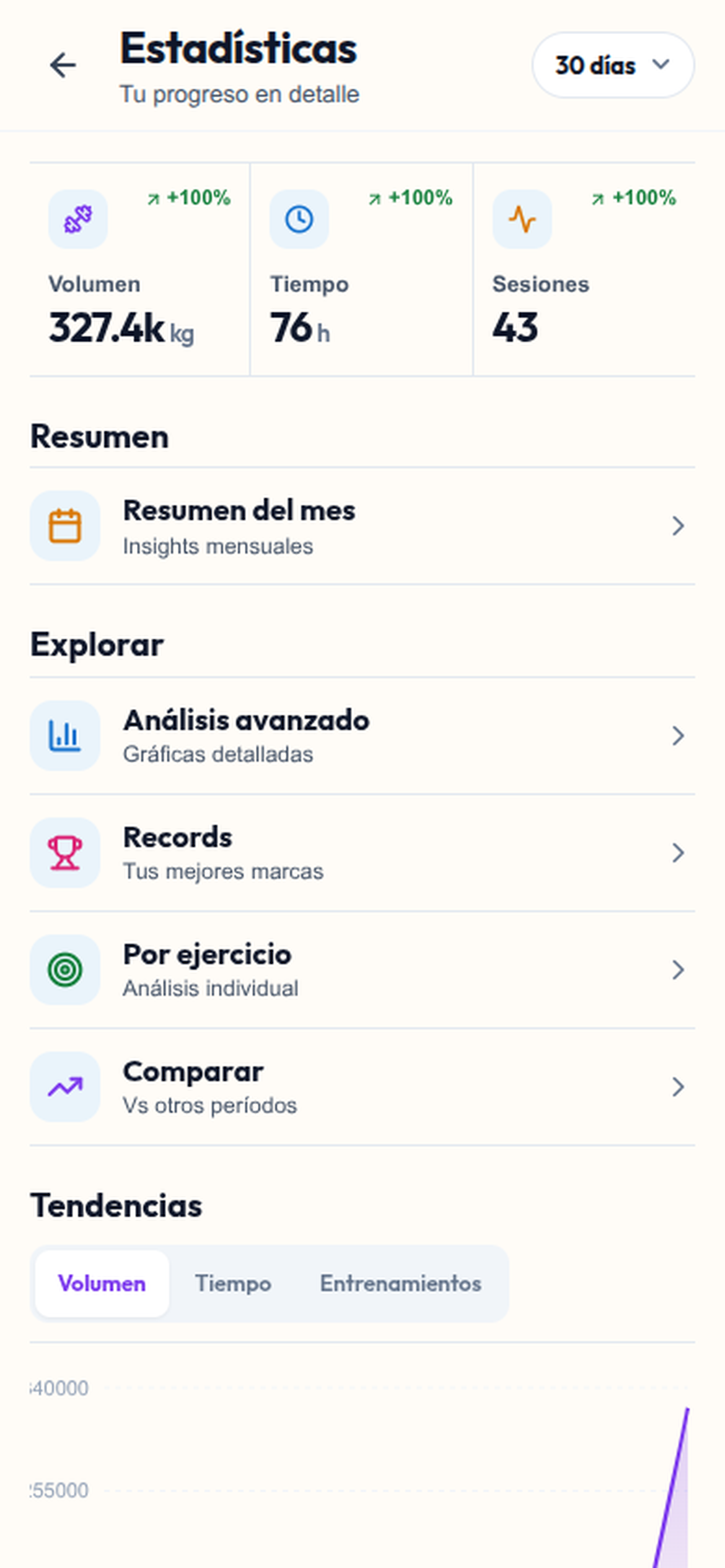
This capture shows the statistics for an individual profile, rather than the coach team dashboard. The invitation, planning and athlete review workflow is explained below.
Sessions and progress for the profile
The workout log provides a starting point for the review
The coach–athlete workflow requires an accepted invitation
Your athletes run in Strava, lift in another app, and send you screenshots in chat. You become the glue. Coach mode reduces that friction: the athlete logs (or syncs) and you see the block without rebuilding it by hand.
It includes athlete tracking, work assignment, and an endurance progress read (plus gym if they lift). It is not a coach directory, clinical chat, or official HYROX station programming. Athlete tracking and weekly review are the core.
Independent coaches of hybrids or endurance athletes, boxes with athletes who mix weights and running/ergs, and preparers who want one source of truth for the block. If you only run group classes without individual follow-up, you may not need it.
How it works
Check coach access in the app, open the athlete view, and generate invites.
The athlete joins, logs the block, and connects cardio if they want. You assign the week’s work.
Sunday (or your check-in day): consistency, load, and fatigue signals — endurance and strength on the same screen.
Frequently asked questions
Athletes can start logging free. Check current access to the coach athlete view in the app.
For day-to-day hybrid or endurance tracking, yes — it reduces Excel and screenshots. It does not aim to cover advanced pure-endurance periodization or box billing.
They can start free to log. Athlete Strava/Concept2 integrations depend on their own plan.
Invite the athlete by email or link. After acceptance, review availability and organise the week, then compare planned work with logged sessions.
Free resource
One page to review athletes who mix strength and cardio: signals, adjustments, and check-in questions. Leave your email and we'll send it instantly.
No spam. Just the resource and, occasionally, hybrid training tips.
Keep reading
Block review template without screenshots.
Read guideThe real coach job: assign and review the block.
Read guideCoach–athlete tool checklist.
Read guideWhen the spreadsheet stops being the system.
Read guideA second read of the week; you confirm.
Read guideFlow: invite, assign, review.
Read guideWhat your athletes use for the endurance block.
Read guideWhere coach mode sits.
Read guidePick a Spain road race or enter as a coach. If you do not want an account yet, take the 3-day template.
Illustrative example · not an individual training plan
Review the sessions your athlete completed, ask what felt harder than expected, and agree on the next adjustment. A missed run and an unusually hard session tell different stories.
Open your athlete list and share an invitation link or invite by email. The athlete accepts the invitation before joining your team.
Open the athlete profile, review availability and assign sessions to dates. Planned work and completed workouts serve different purposes: a scheduled session is not proof of completion.
Compare the planned week with recorded sessions. Ask about missed sessions or unexpectedly high effort, then choose the next change together.
| Day | Planned | What to review |
|---|---|---|
| Monday | Strength: sets and weights | Gym session recorded |
| Tuesday | Easy run | Activity recorded or imported |
| Wednesday | Recovery | Rest and effort notes |
| Thursday | Strength + short run | Compare the two sessions |
| Weekend | Long run + weekly review | Planned versus completed |
Start free with workout logging. Strava and Concept2 integrations and coach mode require Lifetime or Pro; each athlete’s integrations depend on their own plan.
See what each plan includes →